Duluth Library 3D Printing: Book First-Visit Help |
Prepare one small project before reserving shared equipment |
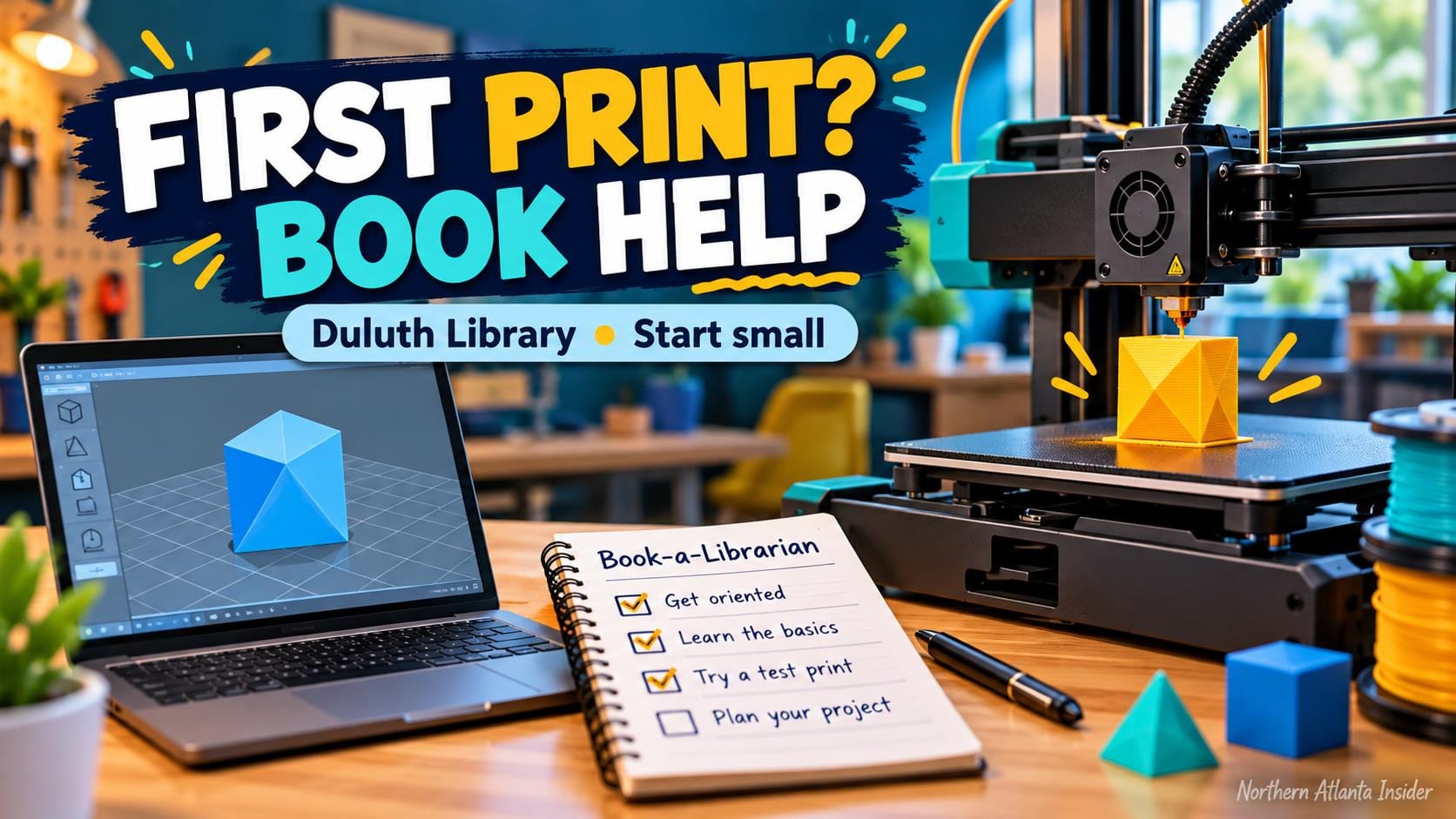
Duluth Library 3D printing begins with a learning plan, not simply arriving with an object you want made. Gwinnett County Public Library offers equipment through its Learning Labs, and its guidance requires first-time printer users to arrange help before their first visit.
The library’s 3D-printing FAQ says beginners must set up a Book-a-Librarian session. It also describes Learning Lab reservations of up to two hours. A room booking and an introductory appointment serve different purposes; confirm that both arrangements cover the equipment you intend to use.
Duluth is listed among the branches with Learning Labs. Use the current Learning Labs equipment and booking page to select the branch and room rather than assuming every location has the same machines. An equipment list describes the service, not today’s availability. Start with a small, explainable project |
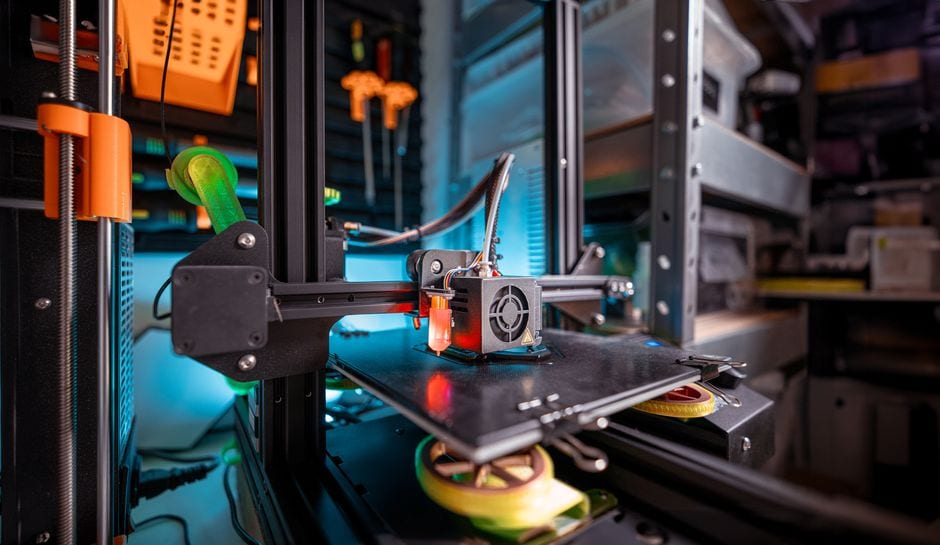 Illustrative stock photo of a 3D printer; not Duluth Library or its equipment. Photo by Jakub Zerdzicki on Pexels. |
Bring a clear description of the object and the reason you want to make it. A simple practice item is easier to discuss than a complicated design with several moving parts. Ask staff which file types and preparation steps are appropriate for the machine you will use.
Keep dimensions and units with your design. A model that looks small on a screen can require more printing time than expected, and an incorrect scale can change whether it fits the intended purpose. Treat staff’s estimate as part of planning rather than promising a finished item by a deadline.
The Learning Labs page says Gwinnett Library cardholders ages 13 and older can access the labs free of charge. It also says PLA filament is supplied without charge for 3D printing. Ask about the arrangements for your project and any participation requirements before traveling.
Do not buy or load your own material without checking. The library specifically asks users to consult staff about which filaments its machines can use. A label saying a material works in a 3D printer does not establish that it is suitable for this particular shared machine. Reserve learning time, then printing time |
 Illustrative stock photo of laptop use; not Duluth Library or a Learning Lab session. Photo by Christin Hume on Unsplash. |
The library offers introductory printing classes and sessions on Tinkercad, a modeling program. The Learning Labs page links to its current class calendar, where users can change the date range and choose locations. A class listing still needs its own date, registration and availability check.
Before confirming a reservation, review the linked room-use policy. Ask how setup, machine operation, cleanup and a print that may exceed your booking are handled. Do not interpret the maximum room period as a guarantee that every proposed print can be completed during it.
Save your design somewhere you control and bring the information needed to retrieve it. Keep the original file separate from any revised version so an introductory session can include changes without losing your starting point. Avoid making an unfamiliar process responsible for an urgent school or work deadline.
Our Duluth Library sewing-machine guide explains another Learning Lab service with its own reservation and help arrangements. Skills and permissions for one tool should not be assumed to transfer to another. For a separate creative outing, our Hudgens photography-exhibit guide describes an October museum visit in Duluth.
A successful first session can be learning the process. Confirm the branch, introductory help and room reservation; bring one modest project and realistic questions. Understanding how to prepare a file and plan machine time is useful even when a finished object requires a later visit. |
0 Comments
Join the conversation
Be the first to comment
Share your thoughts above.