
Chamblee Library Wireless Printing: Upload, Pay and Collect Your Pages |
Use Chamblee Library wireless printing at Clairmont Road. Check branch hours, SmartAlec guest access, print-release steps and black-and-white or color costs. |
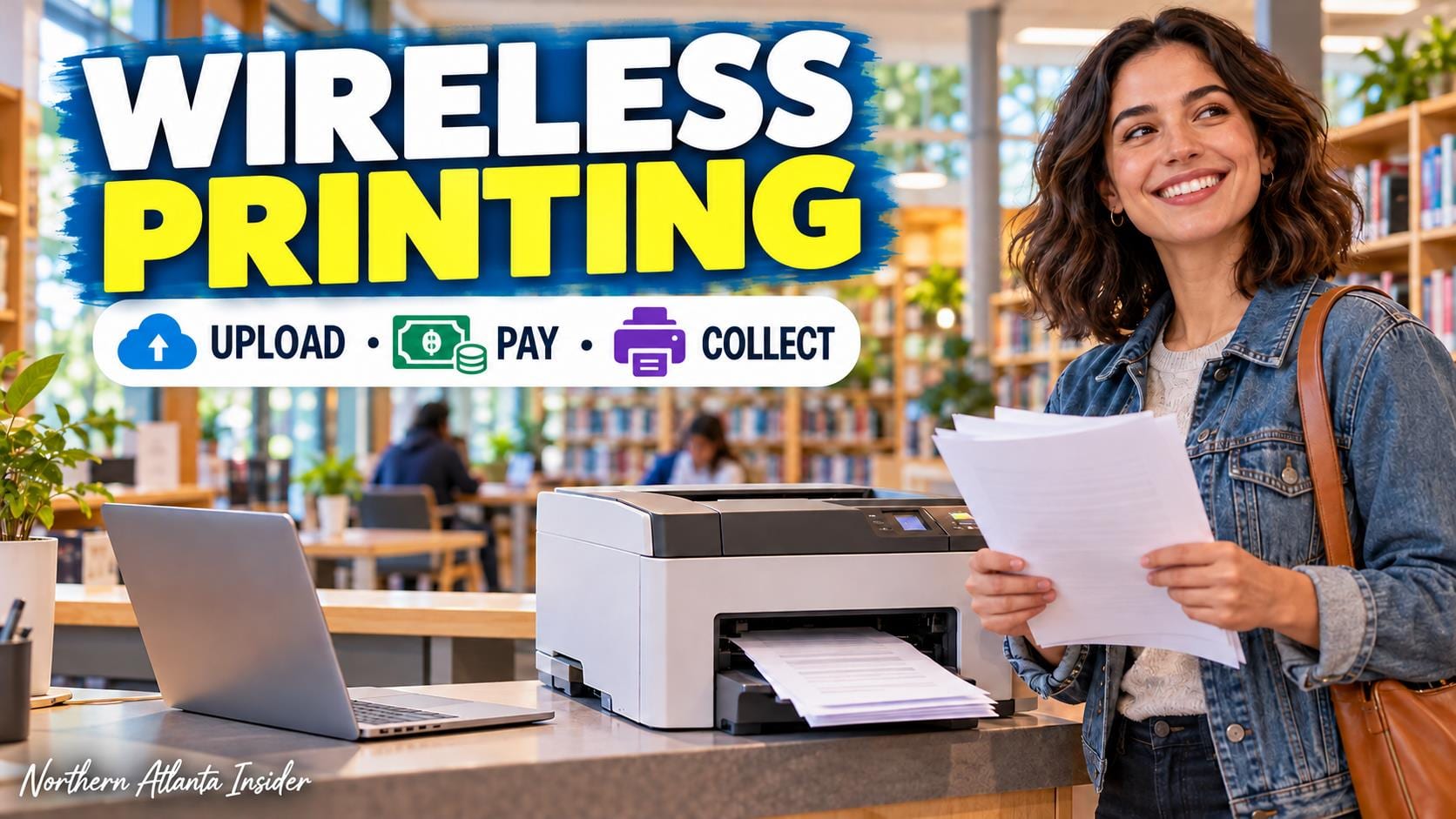
If you need a paper copy of a document without using a home printer, Chamblee Library offers wireless printing and a color printer. The useful distinction is between uploading a file and collecting its printed pages. Prepare the document first, keep your account information handy and leave time to ask staff about payment before releasing the job.
Chamblee Library printing starts with the branchThe official Chamblee branch page lists 4115 Clairmont Road and 770-936-1380. Its usual hours are 10 a.m.–8 p.m. Monday through Wednesday and 10 a.m.–5 p.m. Thursday through Saturday, with Sunday closed. Recheck holiday notices or temporary changes before relying on an evening pickup.
Use the branch address instead of the library system’s main-office address in a footer. If another person will accompany you, share the correct location and decide who will handle the print job. A wireless-printing feature does not mean that the building or release station is available outside opening hours.
Before uploading, inspect the final document on your own device. Check that the pages you need are present, the text is readable and unwanted blank pages are removed. Do this with the actual file you intend to print rather than an earlier draft whose layout may differ. |
 Illustrative stock photograph of laptop use; not the library’s SmartAlec interface. Photo by Christin Hume on Unsplash |
Use the library’s wireless-printing instructionsThe library’s wireless-printing guide directs users to its SmartAlec service. Library card holders can use their card information; a Guest User option is provided for people without a card. Guests need access to the email account or phone used because their account ID is sent there.
Keep that ID for collection and future use. The guide allows one guest account per email address or phone number. Do not repeatedly create new accounts when the real problem is locating an existing login; ask staff for help when you cannot identify the account you already made.
Upload the document and look for the successful-upload message. The instructions say you should be able to preview or delete the file. Previewing is an opportunity to catch a mistaken selection before producing pages, especially when several similarly named versions sit on your device.
Collect prints at a DeKalb library print-release station during library hours using your card or account ID. Ask staff about adding funds before printing. An upload confirmation establishes that a file was submitted; it does not mean you already have a paper copy or that a particular deadline can be met without completing collection. |
 Illustrative stock photograph of library shelves; not Chamblee Library or its print-release area. Photo by Susan Q Yin on Unsplash |
Check costs and finish the task deliberatelyThe system’s fee schedule lists 15 cents per black-and-white page and 50 cents per color page at participating branches. The wireless-printing instructions specify cash payment. Confirm your chosen job’s settings and the current process with staff before releasing pages, particularly when color is unnecessary.
For example, ten black-and-white pages total $1.50 at the listed per-page rate; ten color pages total $5. Check the number of pages and copies rather than assuming a short document produces a short bill. Ask about any unfamiliar setting instead of experimenting with repeated paid output.
Keep private documents with you after collection and finish signing out of any account you used. This is a routine service visit, so a focused plan is usually enough: final file, account information, payment and pickup during open hours.
Our Duluth Library sewing-lab guide explains a different library service with separate reservations. Our Roswell winter art registration guide helps prepare for another public-program task; check whether your own paperwork actually needs printing before making extra copies.
Primary details were checked October 11, 2026. Recheck branch notices, review your file and confirm the release process before traveling. |
0 Comments
Join the conversation
Be the first to comment
Share your thoughts above.